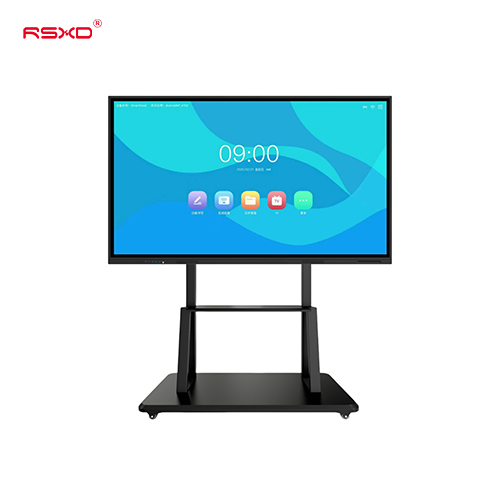
Interactive Flat Panel Display
A large touchscreen platform for whiteboarding, shared content and collaborative work in classrooms and meeting rooms.
Explore the configurationInteractive flat panels for classrooms, meeting rooms and training spaces. Plan the screen around how people present, annotate and collaborate.
Compare the physical format, operating environment and content workflow. Build the specification around the way the display will be used.
View the collectionA large touchscreen platform for whiteboarding, shared content and collaborative work in classrooms and meeting rooms.
Explore the configurationA display is part of a physical place and an operational workflow. Bring those requirements together early.
Check sightlines, ambient light, installation space, access and the operating environment.
Agree what people see or do, who updates the content and how hardware and software connect.
Approve drawings, model specifications, software scope and the installation and support responsibilities.
Explore planning considerations for common applications. These are deployment guides, rather than claims about completed customer projects.
Support shared explanation, annotation and interactive teaching in a visible room layout.
Plan this applicationBring content sharing and annotation into the everyday meeting routine.
Plan this applicationUse a compatible mobile stand for spaces that need flexible teaching or demonstration layouts.
Plan this applicationA clear sequence reduces ambiguity between product selection, integration and site work.
Send location, quantity, use and available space.
Review the panel, system, enclosure and software scope.
Check drawings and a representative configuration.
Agree installation, content access and ongoing support.
Practical guides for specifying and operating your display project.
All resourcesPlan sharing, annotation, conferencing and support as one meeting-room experience.
Review lesson preparation, writing, media, classroom placement and handover before selecting an education display.
Verify inputs, touch, sharing, audio and restart behaviour using the room devices people will actually bring.
Share the location, application and intended experience. We can review a configuration and the work needed to bring it into use.
Prepare a project inquiry